Bring it in.
Choose your videos, photos and audio.
 VideoVia.TR ↗
VIDEO. RHYTHM. YOU.
Start with a clip. Shape the story, find your colors, feel the music. Your film, your rhythm.
Explore the studio ↗In development for iOS and Android
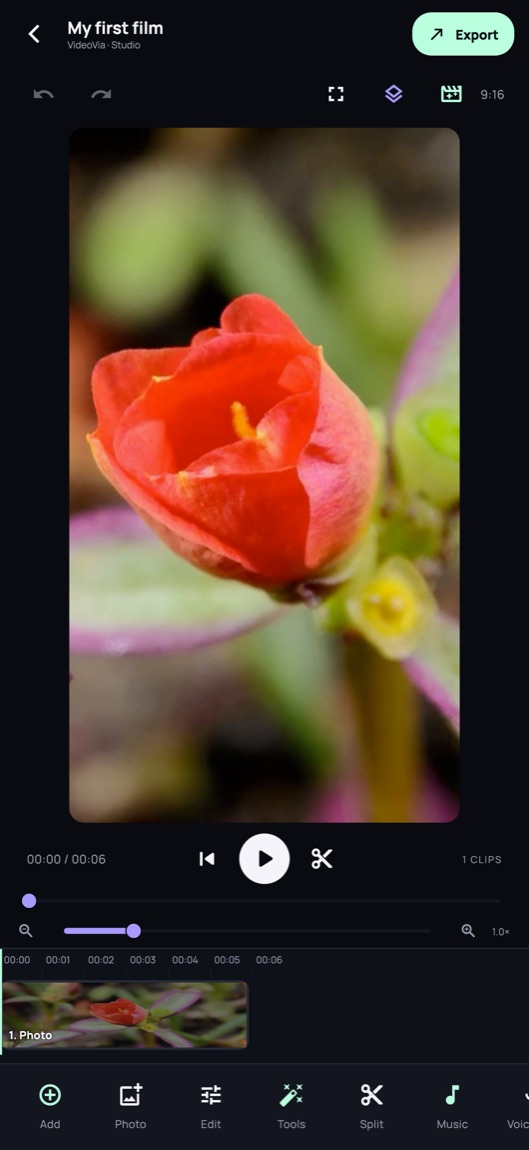
02 / INSIDE VIDEOVIA
From the first cut to the final touch. Explore VideoVia through its actual interface.
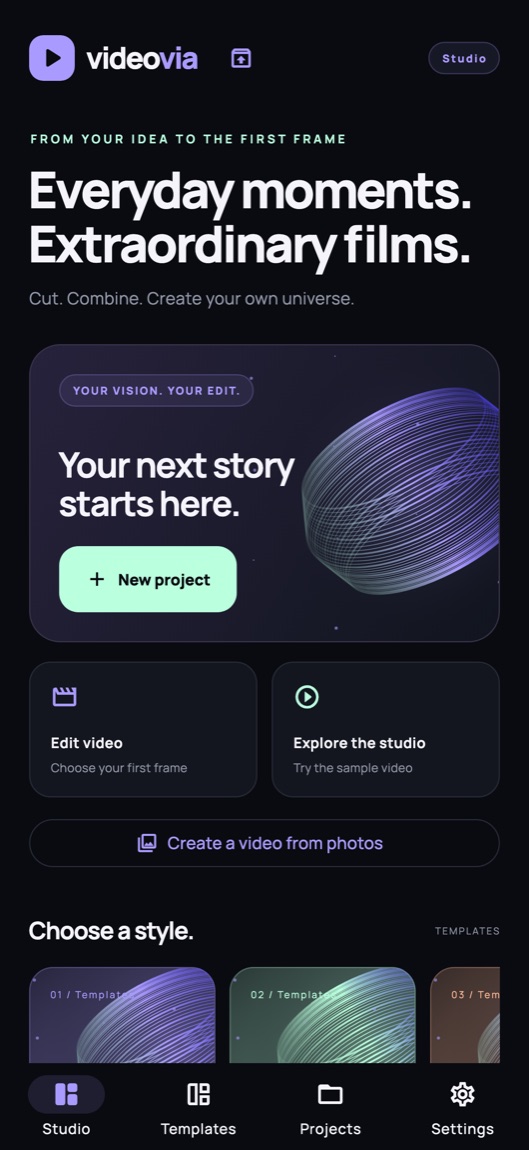
01 / STUDIO
Bring photos and videos into the same story. Save a draft and pick up where inspiration left you.
How it works ↗03 / FROM IDEA TO FILM
Choose your videos, photos and audio.
Bring cuts, words, music and colors together.
Choose a format. Save it or share to your chosen app.
Cuts, music, words. Together on one timeline.
ILLUSTRATIVE TIMELINE · WEB ANIMATION
05 / FAQ
Editing and export run on your device. Videos are not uploaded for these operations. Ads, purchase verification, measurement you allow, and the initial speech-model download use online services.
Edit caption text and timings, import or share SRT files. Automatic speech recognition supports Turkish and English and runs on-device after the initial model download.
Yes. Essential editing is free. One completed ad grants one use of an eligible advanced tool. Free export requires two completed ads and includes a watermark. Incomplete ads do not count.
VideoVia is not on the stores yet. App Store and Google Play links will be added here after release.
VIDEOVIA / COMING SOON
VideoVia is in development for iPhone, iPad and Android.